 Teacher
Moments
Preparing educators for real classroom moments through AI-powered digital simulations

Create your own scenario
Assign scenarios to your student cohorts
Gather rich data from your cohorts
Deliver AI-powered feedback to learners
How do I use Teacher Moments?
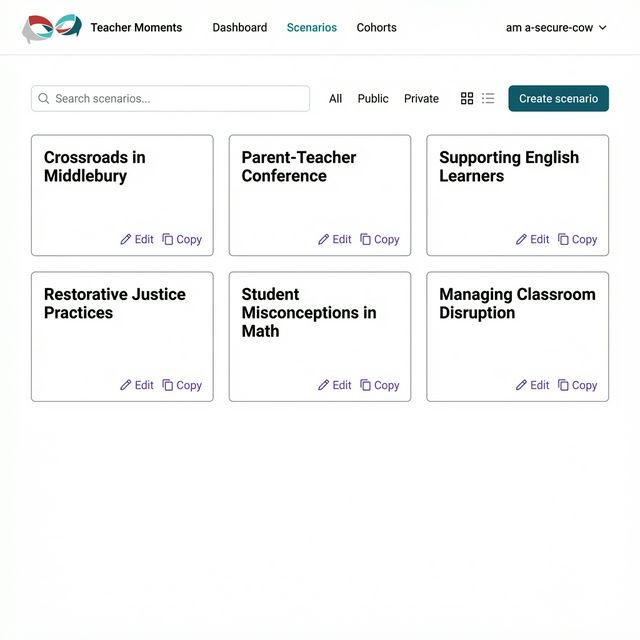
Explore a library of teaching scenarios
Choose from practice-ready teaching scenarios developed by teacher educators, or browse publicly shared scenarios from the community.
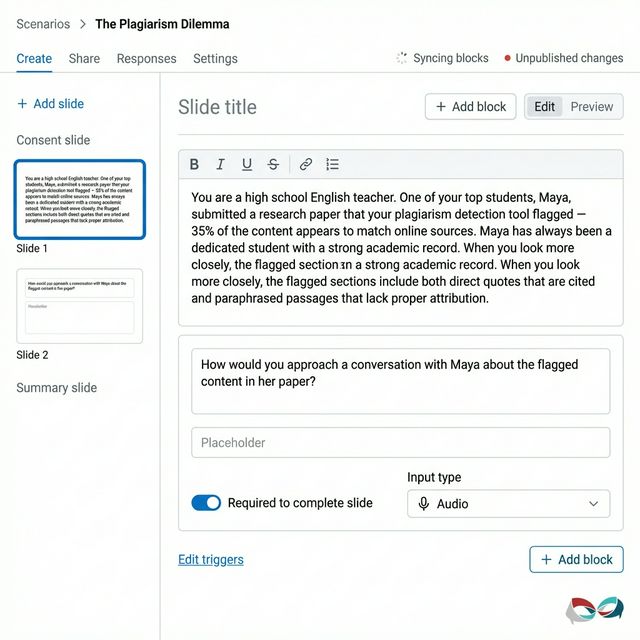
Author scenarios with our block-based editor
Build rich classroom simulations with our drag-and-drop editor — add text, video, images, audio prompts, and multiple choice questions across slides.
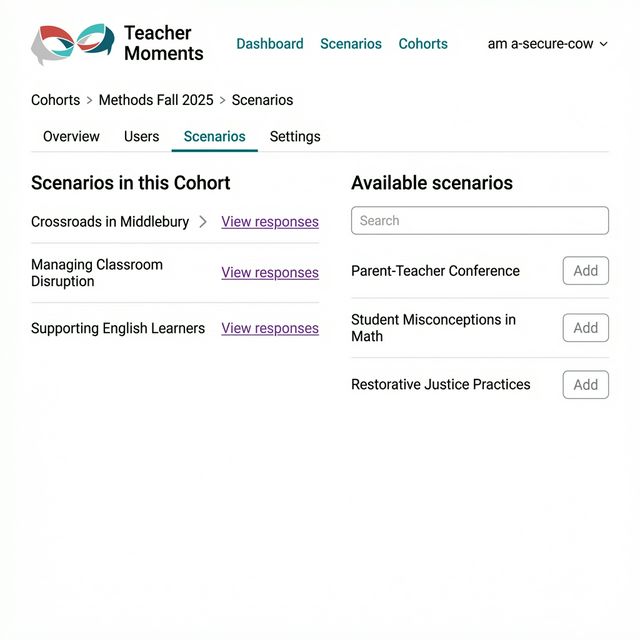
Organize learners into cohorts
Group participants into cohorts, assign scenarios, and track their responses. Share a simple invite link so learners can join and get started.



What most impressed me is what a fabulous discussion we had with the teacher after they completed the scenarios. When everyone in the group had completed a teacher moments scenario our conversations were more focused.
Dive deeper into Teacher Moments
Become a power user and explore even more features for creating and running your simulations.
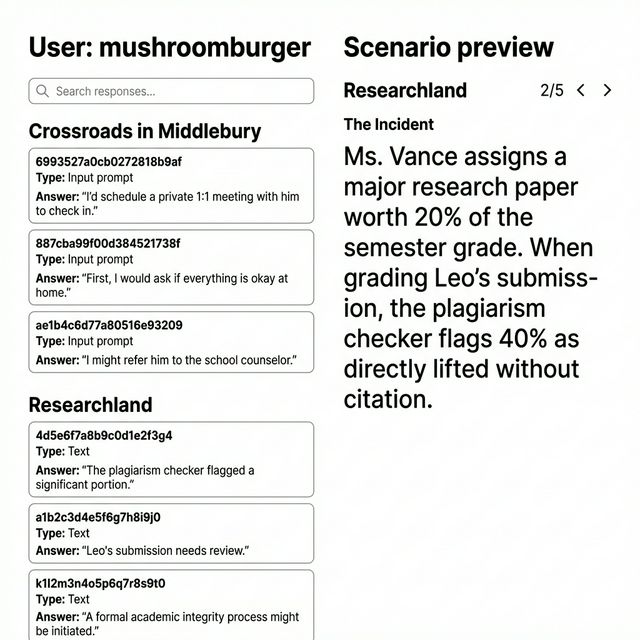
Track responses for facilitation and research
Review audio recordings, transcripts, and text responses from your participants. Export complete datasets for research or use them to prepare for debrief discussions.
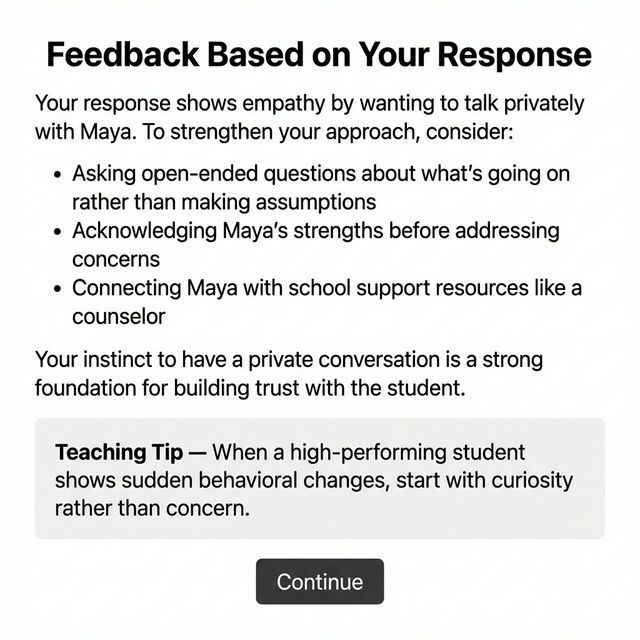
AI-generated coaching feedback
Set up triggers that analyze participant responses and deliver personalized coaching feedback with teaching tips — powered by AI.
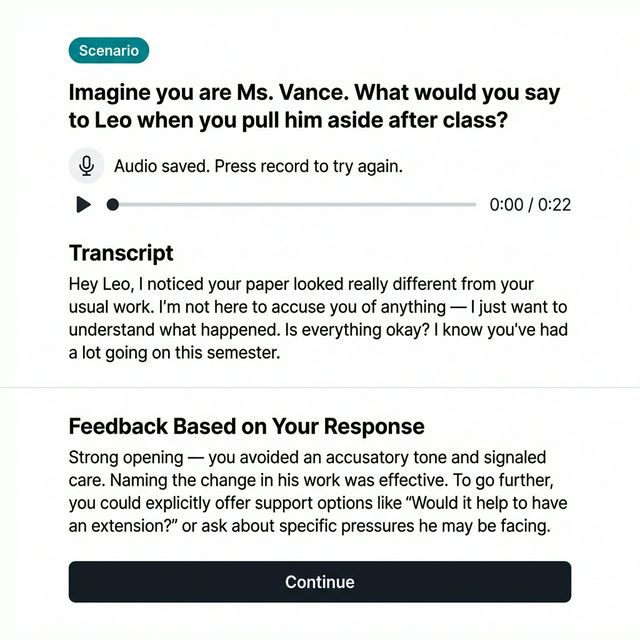
Capture rich learner responses
Ask learners to respond through text, audio recording, or multiple choice — all within a single scenario. Audio responses are automatically transcribed.


Become a Facilitator
Create scenarios, manage cohorts, track learner progress, and analyze response data across your groups.
Sign Up as a Facilitator