 Teacher
Moments
Preparing educators for real classroom moments through AI-powered digital simulations

Build practice spaces that adapt to every choice your educators make.
Create scenarios that branch and adapt
Assign scenarios to your student cohorts
Gather rich data from your cohorts
Deliver AI-powered feedback to learners
How do I use Teacher Moments?

New this fall: scenarios that follow your learners’ lead
With branching, the story can split: route educators down different paths based on the choices they make or the answers they write. Describe the response you’re looking for in plain language, and AI matches each written answer against it — no exact wording required. Every educator gets practice shaped by their own decisions.
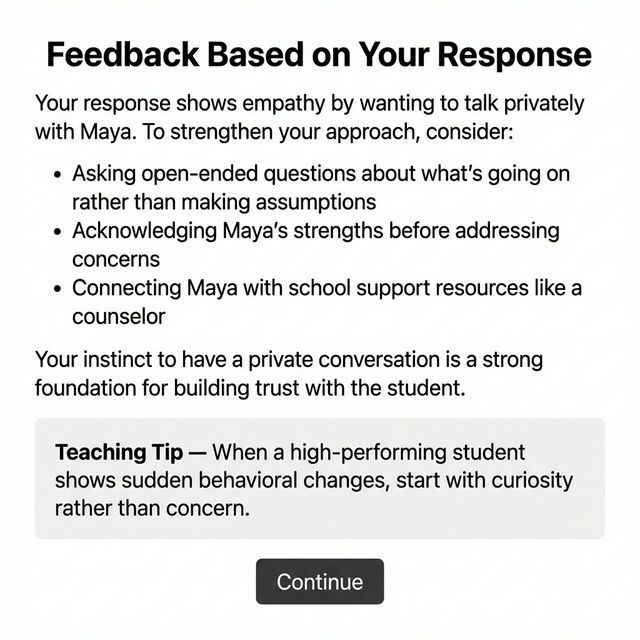
AI-generated coaching feedback
Set up triggers that analyze participant responses and deliver personalized coaching feedback with teaching tips — powered by AI.


What most impressed me is what a fabulous discussion we had with the teacher after they completed the scenarios. When everyone in the group had completed a teacher moments scenario our conversations were more focused.
Become a Facilitator
Setting up your fall course? Create scenarios, manage cohorts, track learner progress, and analyze response data across your groups.
Sign Up as a Facilitator